Fixed Assets Management, Complete Lifecycle Tracking
Asset Categories
Audit Trail Coverage
System Access
Department Support
Everything You Need to Manage Fixed Assets
Track Every Asset from Acquisition to Disposal
Asset Registration
Complete digital registry with categorization, tagging, and location tracking. Register vehicles, equipment, buildings, land, and IT assets with all relevant details in one place.
Depreciation Engine
Automated straight-line and declining balance calculations. Configure useful life, salvage value, and depreciation method per asset category. Values update automatically each period.
Revaluation
Periodic market value adjustments with approval workflow. Record revaluation gains or losses, maintain a complete history of value changes, and ensure compliance with accounting standards.
Disposal Management
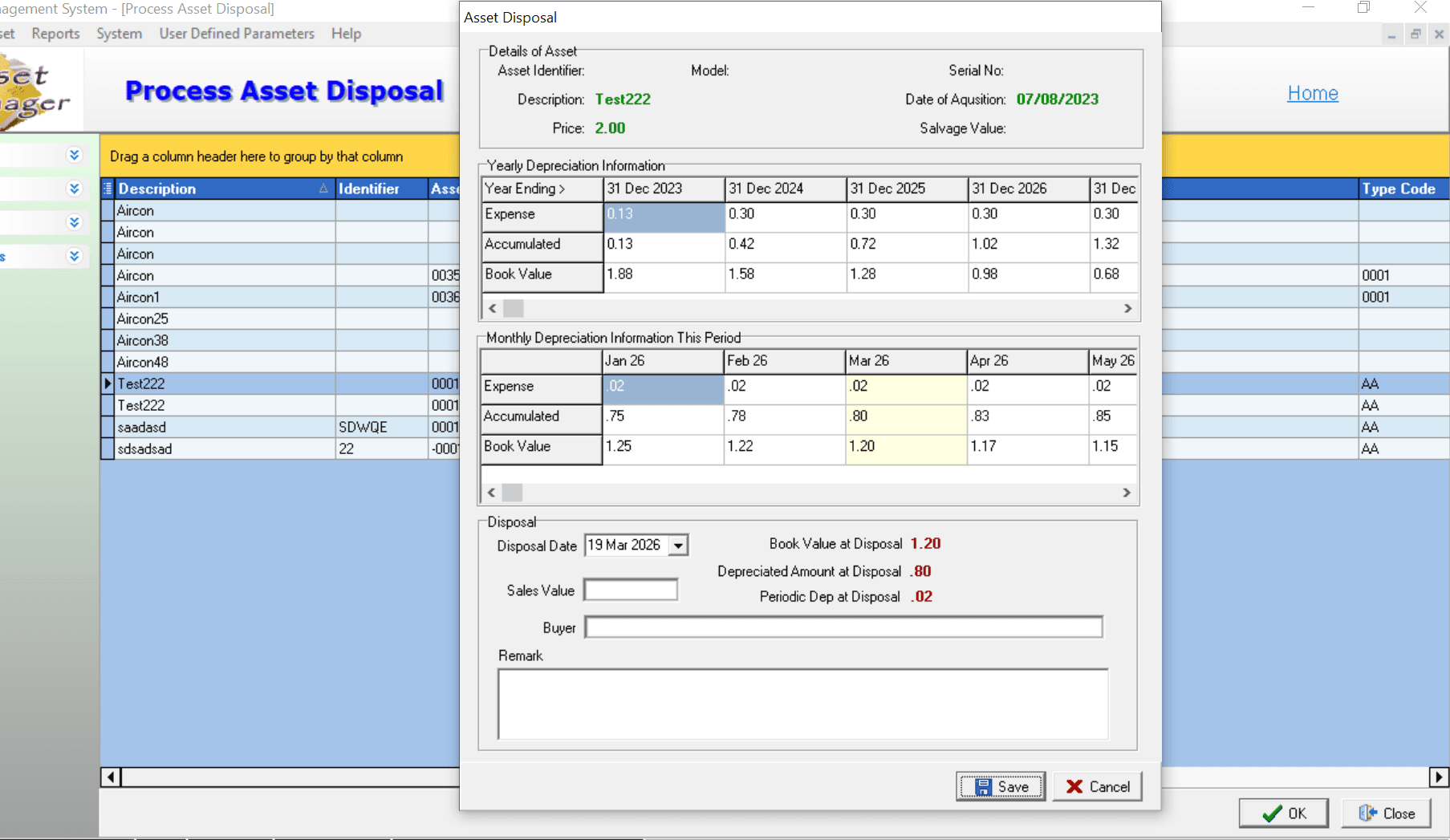
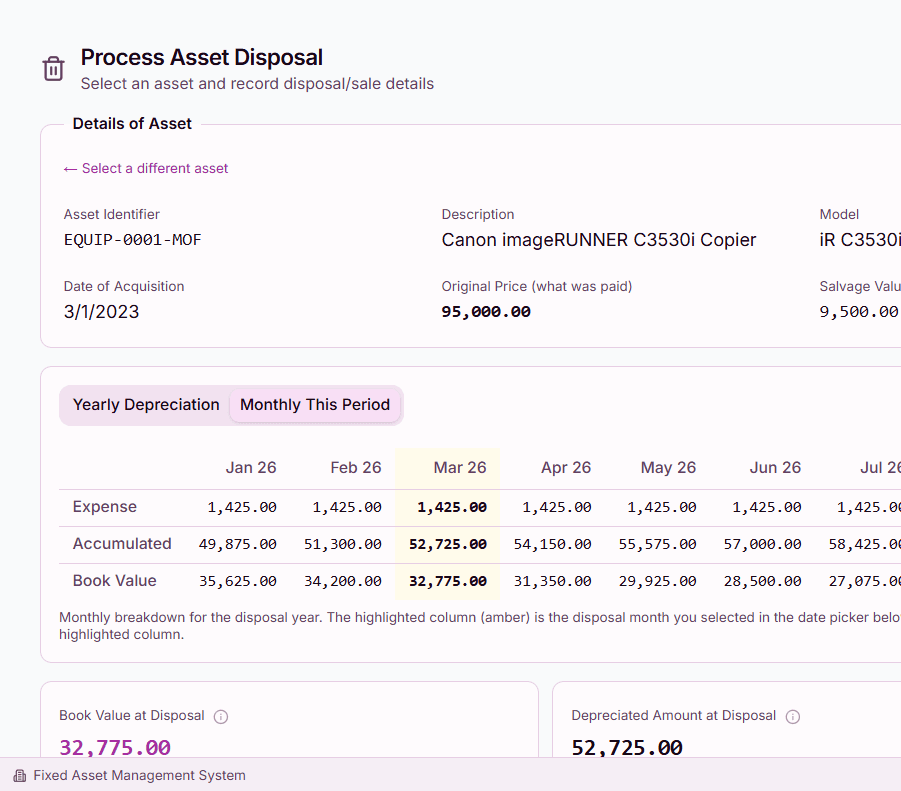
Structured disposal workflows with buyer tracking, proceeds recording, and book value comparison. Capture disposal reason, method, and authorization for complete accountability.
Streamline Daily Operations and Gain Visibility
Inter-Department Transfers
Workflow-based asset transfers between departments with full audit trail. Submit, approve, and track transfers so every movement is documented and authorized.
Maintenance Tracking
Record preventive and corrective maintenance with cost tracking and warranty alerts. Schedule upcoming maintenance, attach service records, and monitor lifetime maintenance costs.
Report Designer
Asset register, depreciation schedule, and disposal reports available out of the box. Build custom reports with drag-and-drop columns, filters, and export to PDF or Excel.
Dashboard Analytics
Real-time widgets showing total asset value, category distribution, depreciation trends, and recent activity. Administrators configure dashboards; staff see what matters to them.
Built for Regulatory Accountability Standards
Role-Based Access
Department-scoped views ensure staff see only their assets. Fine-grained permissions control who can register, edit, transfer, or dispose of assets. User-level overrides for special cases.
Complete Audit Trail
Every action logged with who, what, and when. View the full history of any asset — creation, edits, transfers, revaluations, and disposals — for complete compliance documentation.
Document Attachments
Attach purchase orders, warranties, photos, and maintenance records to any asset. Keep supporting documents alongside the asset record for easy retrieval during audits.
Multi-Department Isolation
Each department sees only their own assets and reports. Central administrators have a consolidated view across all departments for organization-wide reporting and oversight.